Depth Map Generator
Turn any image into a depth map — free, right in your browser. Nothing is uploaded. Pro adds 16-bit PNG, original-resolution processing, and batch.
⚠️ WebGPU isn't available in this browser, so processing runs in a slower WASM fallback mode. For best speed use a recent desktop Chrome or Edge.
ImageSpell Pro Unlocked
$19 — one-time purchase. No subscription. Unlocks 16-bit PNG export, original-resolution tiled processing, and batch export.
Already purchased? Enter your license key →
How to make a depth map
- Add your image. Drop it on the tool, browse, or paste from your clipboard. It never uploads anywhere.
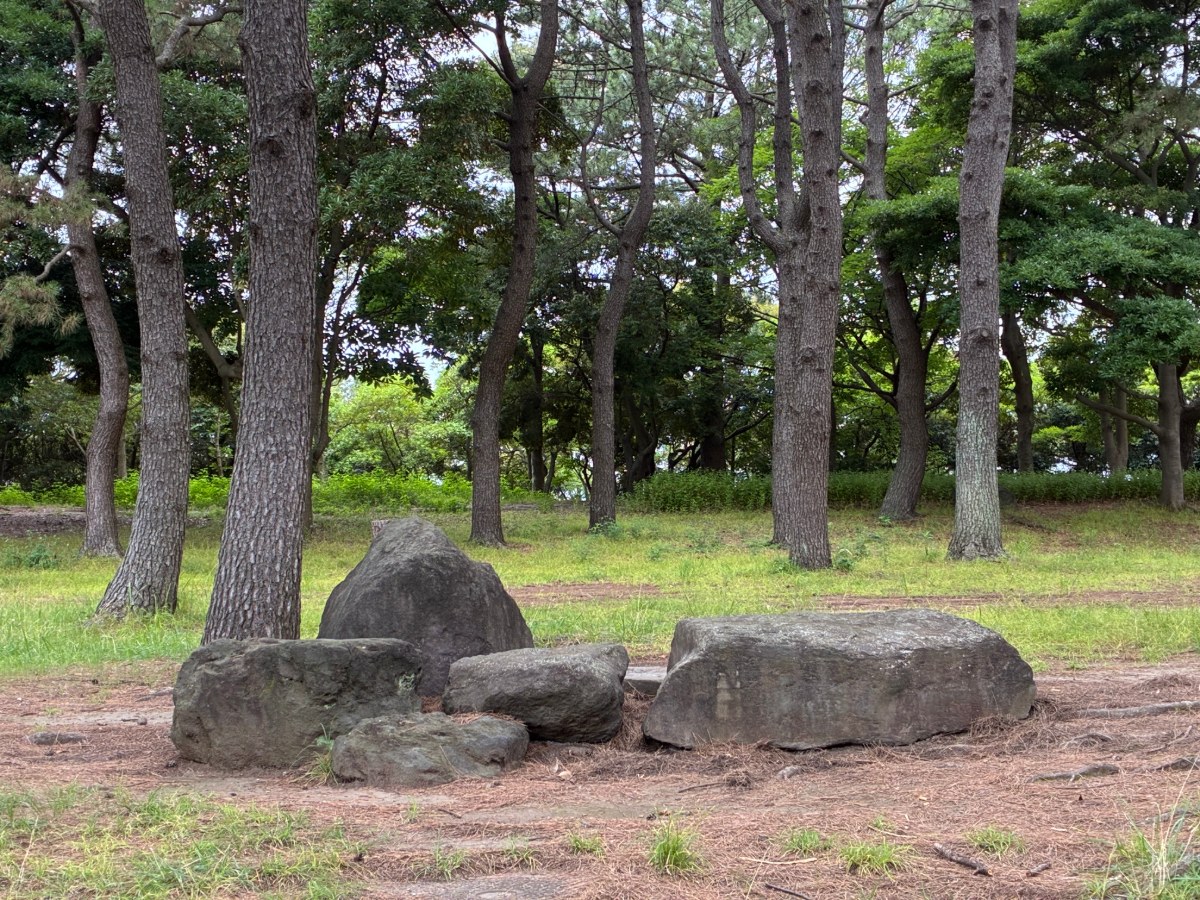
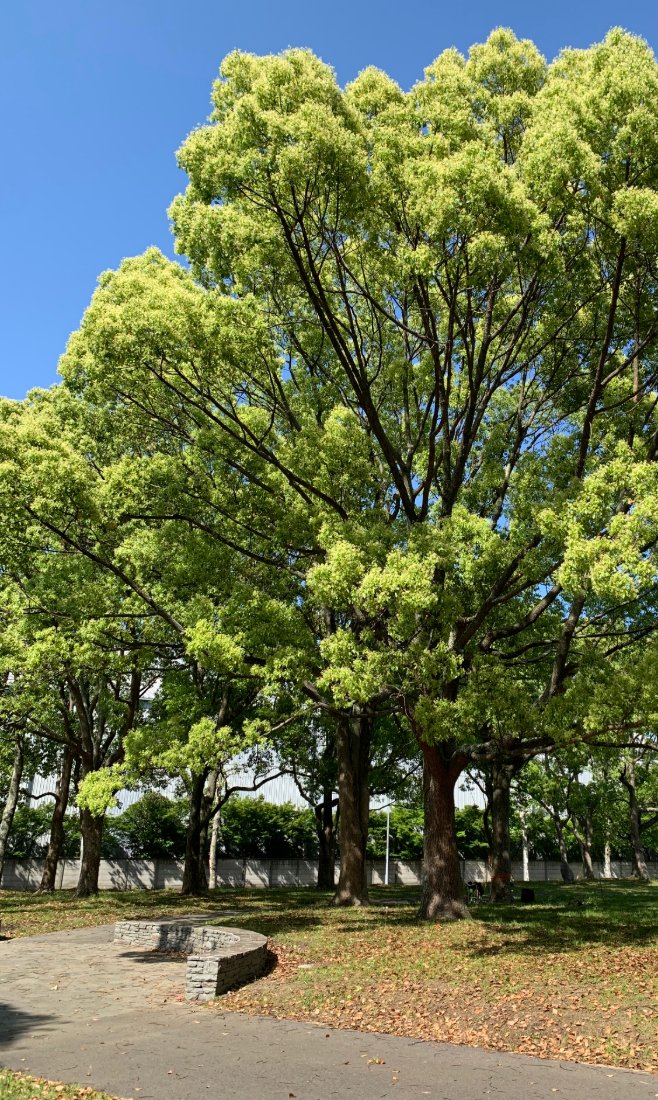
- Let it run. The depth map is generated automatically in your browser (WebGPU, with a WASM fallback).
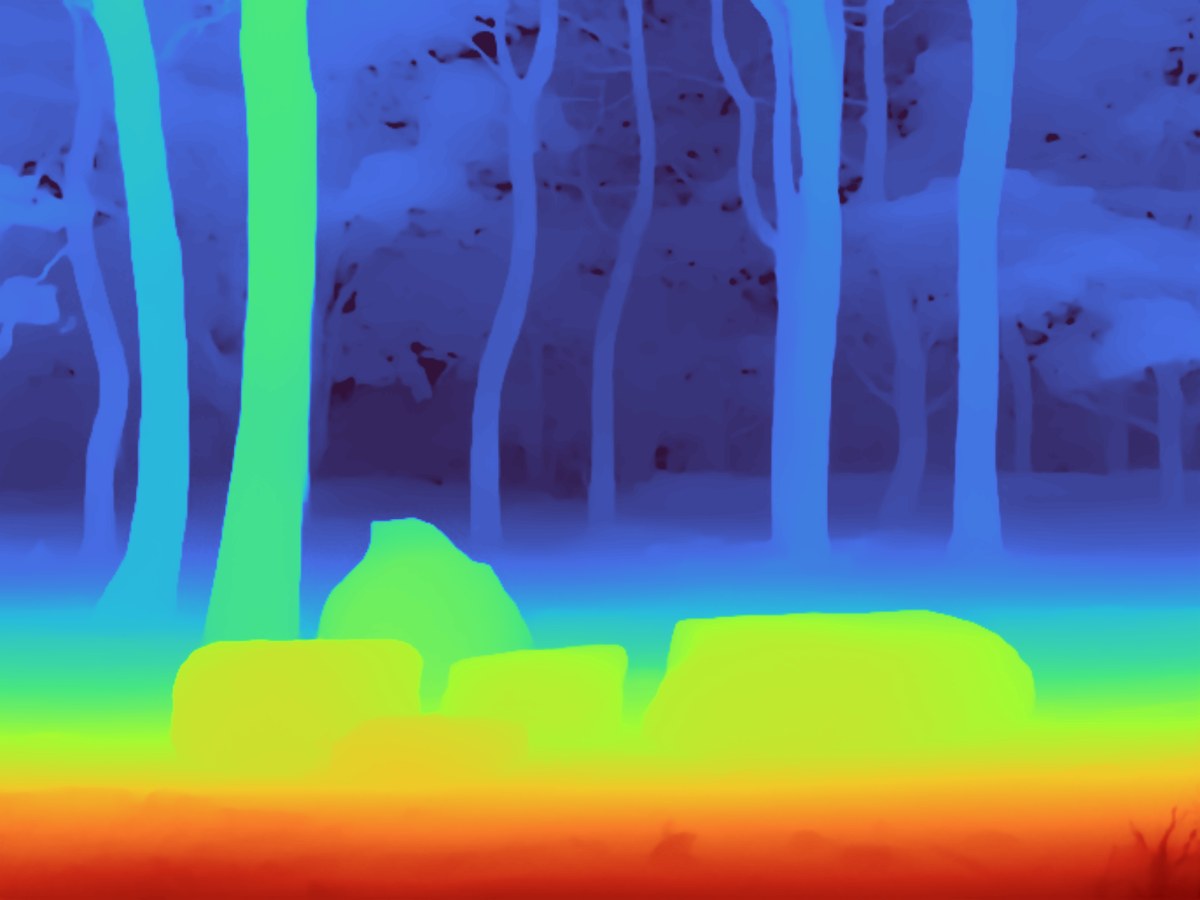
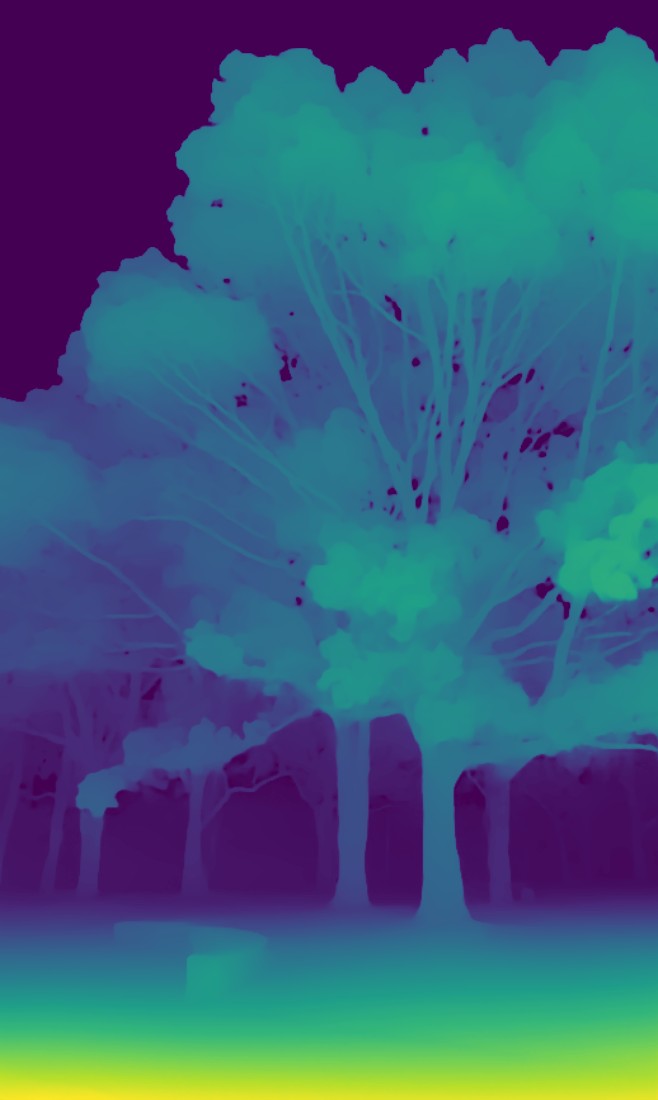
- Adjust & export. Pick a colormap or invert, then download an 8-bit PNG — or a 16-bit PNG with Pro.
Sample results
What you can do with a depth map
- ControlNet / Stable Diffusion — feed the depth map as a depth control input to guide generation with accurate structure.
- Blender displacement — use the 16-bit depth map as a displacement texture to build real geometry from a photo.
- After Effects 2.5D parallax — drive parallax and camera moves for a cinematic “2.5D” look.
- Game & 3D dev — prototype height/parallax maps and depth-based effects from reference images.
Frequently asked questions
How accurate is the depth map?
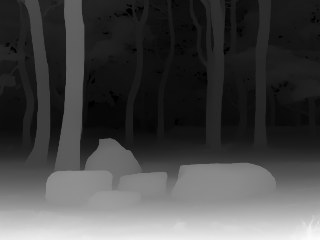
It uses Depth Anything V2 (Small), a state-of-the-art monocular depth model. Depth is relative, not metric — single-image estimation infers plausible depth from visual cues, so results are excellent for creative and 2.5D work but are not measured distances.
Are my images uploaded to a server?
No. All inference runs locally via WebGPU (or a WASM fallback). Only the AI model is downloaded once and cached. Your images never leave your device — you can confirm it in the DevTools Network tab.
What about detail in far or distant areas?
Because this is single-image (monocular) depth estimation, the model is most confident about near and mid-range structure. Far, distant regions get compressed into a narrow band of tones, so fine differences between distant objects can flatten out. That’s a fundamental property of monocular depth, not a bug. Pro’s original-resolution tiled processing recovers more local detail across the whole frame, including farther areas.
What does 16-bit export mean?
A 16-bit grayscale PNG stores 65,536 depth levels instead of 256 — smooth gradients with no banding, which matters for Blender displacement and high-quality compositing. It’s a Pro feature.
Is Pro a one-time purchase?
Yes — a single one-time payment of $19, no subscription. It unlocks 16-bit export, original-resolution tiled processing, and batch export.
Which image formats are supported?
Any image your browser can open — PNG, JPEG, or WebP. Drop, browse, or paste.